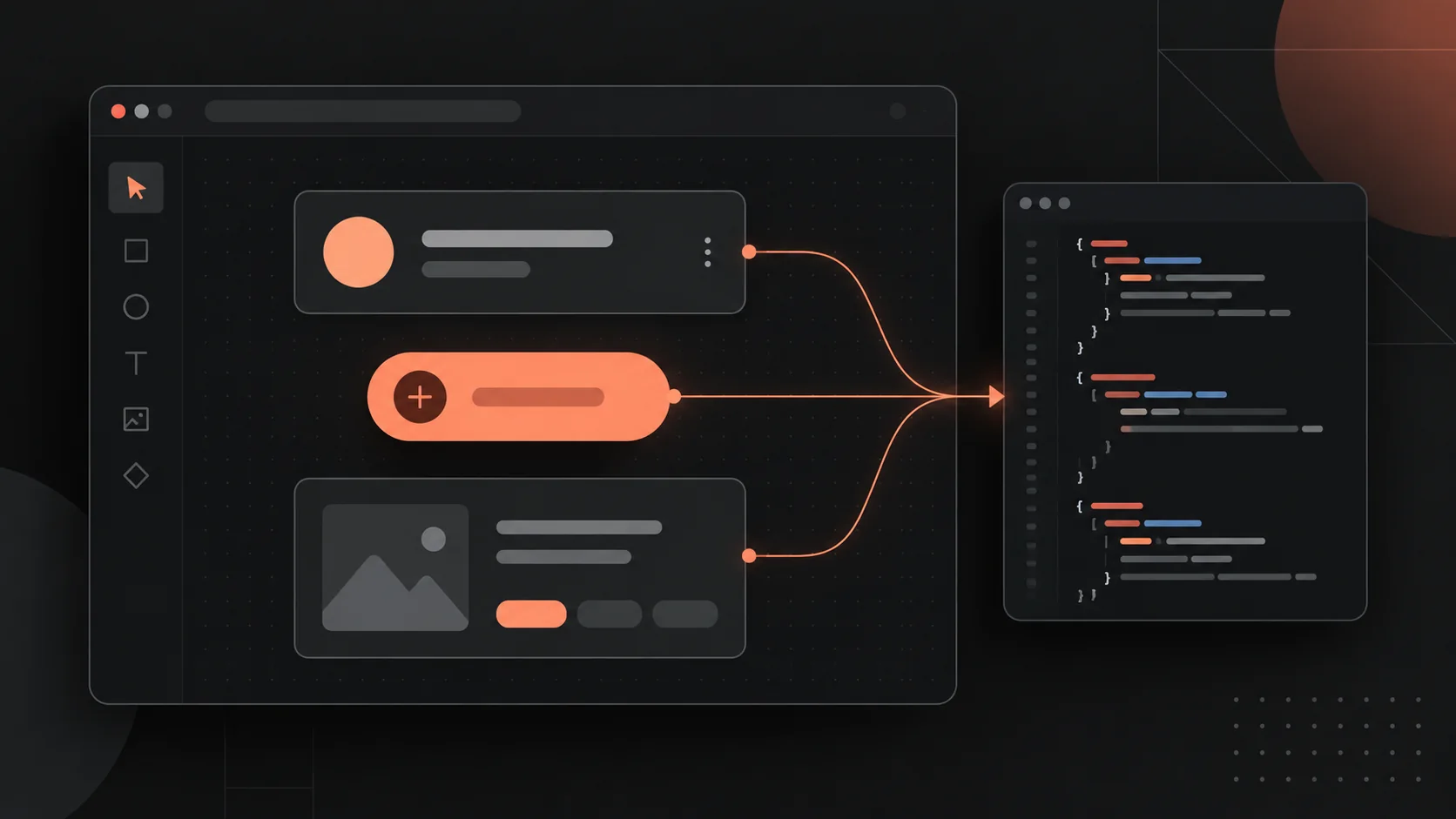
M3E-Canvas: Bridging the Final Mile from UI Wireframes to Production Code
Summary: Ditch manual Figma handoffs: M3E-Canvas leverages native Material 3 web components to convert interactive canvas nodes into clean, production-ready code.
1. Why M3E-Canvas Hit 8k+ Stars in 25 Days
In standard software development lifecycles, a massive semantic gap persists between Figma prototypes and actual React/Vue codebases. Even with modern copilots like Cursor and GitHub Copilot, LLMs still struggle to parse precise layout constraints from flat visual assets.
M3E-Canvas approaches this differently. Rather than positioning itself as a competing design tool, it acts as a deterministic context generator. By embedding a native Material 3 (M3) component library, it allows engineers and designers to layout interfaces on a canvas while simultaneously emitting structured prompts containing structural, styling, and interaction logic. You aren't just drawing UI—you're compiling a machine-readable engineering spec for downstream AI agents.
2. Core Architecture & Comparative Analysis
M3E-Canvas isn't built to replace Figma for high-end branding; its core primitive is ultra-fast delivery.
| Feature | Traditional Figma + Dev Workflow | M3E-Canvas Workflow |
|---|---|---|
| Interaction Design | High-fidelity visual styling | Component-driven rapid composition |
| AI Adaptability | Screenshots or text descriptions (Low precision) | Auto-generated component-level prompts (High precision) |
| Collaboration Cost | Manual sync, handoff specs, code translation | One-click prompt export, direct injection into IDE |
| Deployment / Infra | Heavy SaaS platform dependencies | Zero-install, browser-native, local-first persistence |
3. Deep Dive: Engineering Value and Tradeoffs
Architectural Advantages
- Atomic Components: Built strictly on the Material 3 spec. Every element inherently carries semantic tagging, making AI-parsed code significantly cleaner and more maintainable than screenshot-to-code outputs.
- State & Linkage Graphs: Supports explicit state routing (Link relationships) between pages. This enables LLMs to comprehend multi-view navigation flows rather than treating layouts as isolated DOM trees.
- Zero Backend Footprint: Runs entirely inside the browser runtime, utilizing
localStoragefor state persistence—drastically lowering the friction for developer adoption.
Architectural Limitations
- Design System Lock-in: Strictly coupled to the Material 3 design language. For projects requiring heavily customized design systems or bespoke brand tokens, the built-in component set hits a ceiling quickly.
- Complex Interaction Boundaries: Currently limited to baseline navigation and layout composition. Advanced micro-interactions, complex animation states, and dynamic data binding still require manual post-processing.
4. Quickstart: Integrating into Your AI Coding Workflow
Step 1: Environment Initialization
Skip the package manager installs. Access the hosted preview of m3e.canvas directly, or spin it up locally via:
npm run dev
Step 2: Compose the UI Topology
Drag and drop components from the left utility panel. Pay close attention to the Layer panel. A clean, logical DOM hierarchy directly correlates to the nesting quality of the code generated downstream.
Step 3: Emit the Semantic Prompt
Once the wireframe is stabilized, trigger the export routine. The engine serializes the canvas state into a structured context payload:
{
  "layout": "flex-column",
  "components": ["M3-Appbar", "M3-Card", "M3-Button"],
  "interactions": {
    "button_click": "navigate_to_page_2"
  },
  "theme": "Material-3-Light"
}
Step 4: AI-Assisted Code Generation
Paste the generated payload into Cursor, Windsurf, or your preferred AI IDE alongside an execution prompt:
"Using this structured layout payload, implement this view in React and Tailwind CSS, strictly adhering to the Material 3 design system specifications."
5. Architectural Verdict
The rise of M3E-Canvas signals a shift toward "structure-driven code generation" in UI engineering. If you are rapidly validating an MVP, integrate M3E-Canvas directly into your prototyping phase to bypass pixel-pushing cycles in Figma.
It functions less like a traditional drawing app and more like an abstraction layer—an engineering bridge for the AI era. For advanced teams, the next logical step is building custom prompt templates on top of this output layer to map canvas nodes directly to internal enterprise design system (DS) tokens, compounding your team's velocity even further.